How to Write an ATS Friendly Resume in 2026: 12 Practical Steps
Build an ATS friendly resume in 2026 with a simple layout, honest keywords, work-bullet examples, PDF or Word guidance and a practical checklist.
How do you create an ATS friendly resume in 2026? Keep your document readable, use a simple one-column structure, describe your real experience and match job-advertisement terms only where they genuinely fit your background. The goal is not to trick software. It is to make relevant qualifications easy for both hiring systems and people to understand.
Applicant Tracking Systems (ATS) help employers collect, organize and search applications. Different employers use different systems and screening rules: no third-party "ATS score" can guarantee you an interview. The U.S. Department of Labor's February 2026 resume guide recommends matching job-posting skills, avoiding complex formatting and using the requested file type. University career centers offer similar practical advice. This JovoJob guide gives you 12 specific steps, fictional examples, an easy resume structure and a final checklist.
What makes an ATS friendly resume?
An ATS friendly resume is a CV or résumé that recruitment software can parse without losing vital information: your name, dates, employers, qualifications and job-related skills. Many ATS tools also support recruiters in searching and organizing candidates. They do not all work in the same way, so straightforward formatting is a safer default than a complex visual template. A successful application still depends on real qualifications, the vacancy, competition and human decisions.
The University of Pennsylvania Career Services notes that tables, text boxes, graphics and other decorative formats can be harder for some systems to read. The University of Virginia Career Center recommends familiar headings, simple bullets, readable fonts and relevant wording drawn honestly from the posting.
How to write an ATS friendly resume in 2026: 12 steps
1. Read the job advertisement before editing your resume
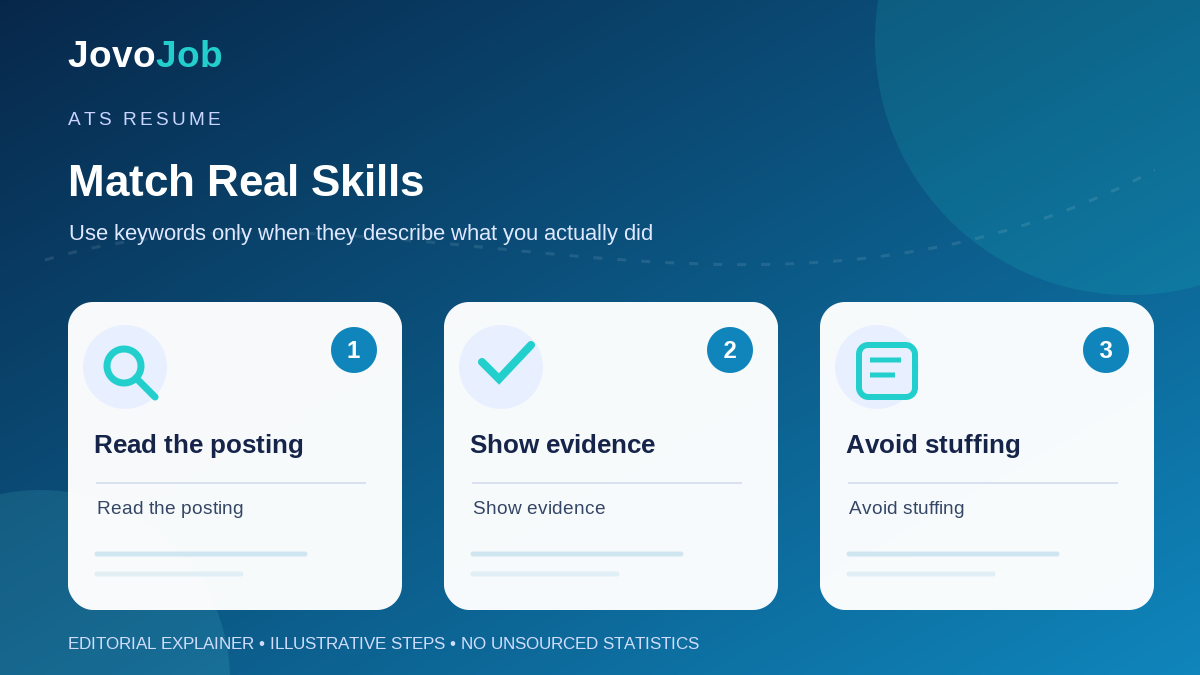
Highlight the role's genuine requirements: responsibilities, software, certifications, working conditions and core skills. Put essential requirements ahead of generic buzzwords. If the employer wants stock reconciliation and Excel reporting, ask whether you have actually performed those tasks and can describe them. A good resume shows evidence rather than repeating the vacancy verbatim.
2. Choose one clear reading column
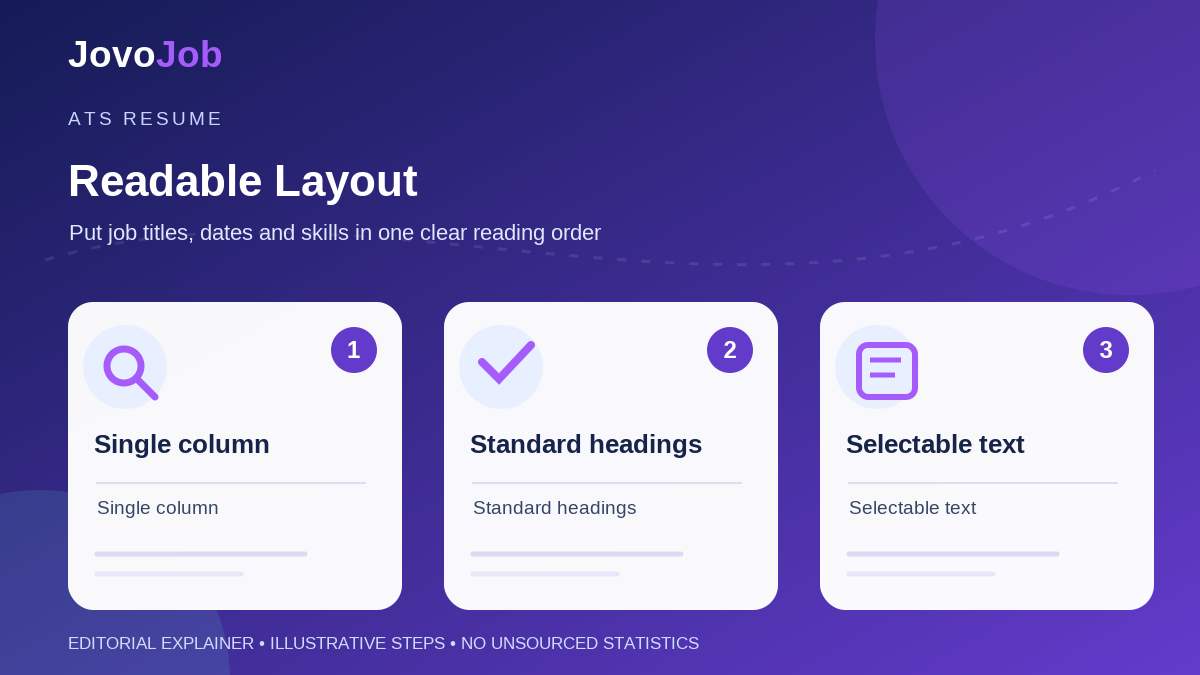
Use a straightforward document with name, contact details, short summary if relevant, work experience, skills, education and optional projects. Avoid sidebars, complex tables, infographics, icons that substitute for labels, graphs and decorative text boxes. A one-column design also helps a human reader find the most important information quickly.
3. Type contact details directly into the document
Place your full name, professional email, phone and city or region near the top as normal selectable text. Add a portfolio or LinkedIn link if useful. Do not put crucial contact information inside a Word header, footer or background image. Unless local norms or a job advertisement require it, a full home address, photo and unnecessary identity details are often best left out.
4. Use standard resume headings
Choose labels such as Work Experience, Skills, Education, Projects and Certifications. A decorative heading like "My Superpowers" might work in a personal portfolio, but it is not an obvious label for recruitment software. Standard headings allow people to navigate your history without guessing.
5. List recent relevant experience first
For many candidates, a reverse-chronological history works well: job title, employer, dates and two to five concise bullets. A combination resume can also work when it clearly presents skills alongside actual roles and dates. Do not invent employment, hide dates deceptively or present volunteering as paid work. Career changers can highlight transferable tasks honestly.
6. Use job keywords accurately
Identify exact terms from the posting that describe skills you really possess. If you used a customer relationship management system, you can write "customer relationship management (CRM)" and name the actual software. Do not list tools you have never used just because the vacancy mentions them. Put relevant terms in meaningful sentences, not an unexplained block of copied keywords.
7. Show the skill inside a work example
A skills section alone is not enough to show how you used something. Instead of listing "Excel, communication, reporting," a truthful bullet might say: "Maintained a weekly Excel stock report and communicated discrepancies to the warehouse supervisor." Context tells the recruiter what you can actually do. Include a metric only when it is known and supportable.
8. Replace vague duties with clear actions
"Responsible for customers" says little. "Answered customer questions by phone, recorded service requests and escalated unresolved cases" is easier to evaluate. Choose verbs that describe real activities: coordinated, checked, documented, reconciled, tested, trained or scheduled. Keep each bullet reasonably short and specific rather than adding adjectives such as "dynamic" or "excellent."
9. Spell out relevant abbreviations
When useful, pair the full term with its acronym the first time: "Search Engine Optimization (SEO)" or "Customer Relationship Management (CRM)." That helps readers who know either wording. Do not create an acronym glossary full of concepts unrelated to the job. Use the language your industry and the vacancy actually use.
10. Keep typography and dates consistent
Use a readable font such as Arial or Calibri, consistent font sizes, clear spacing and simple bullet symbols. Check that each date range clearly belongs to the correct job. For example, use "Jan 2024–Aug 2026" consistently instead of mixing many date styles. Make the document easy to scan without reducing text to an uncomfortable size.
11. Submit the file format requested
If the employer requests a Word document, send .docx. If it requests a PDF, submit a selectable-text PDF created from the original document—not a photograph or scan. Some systems can read both, but formatting and software behavior vary, so there is no universal rule that every ATS always prefers PDF or always prefers Word. The employer's actual instruction comes first.
12. Test the exported resume before submitting
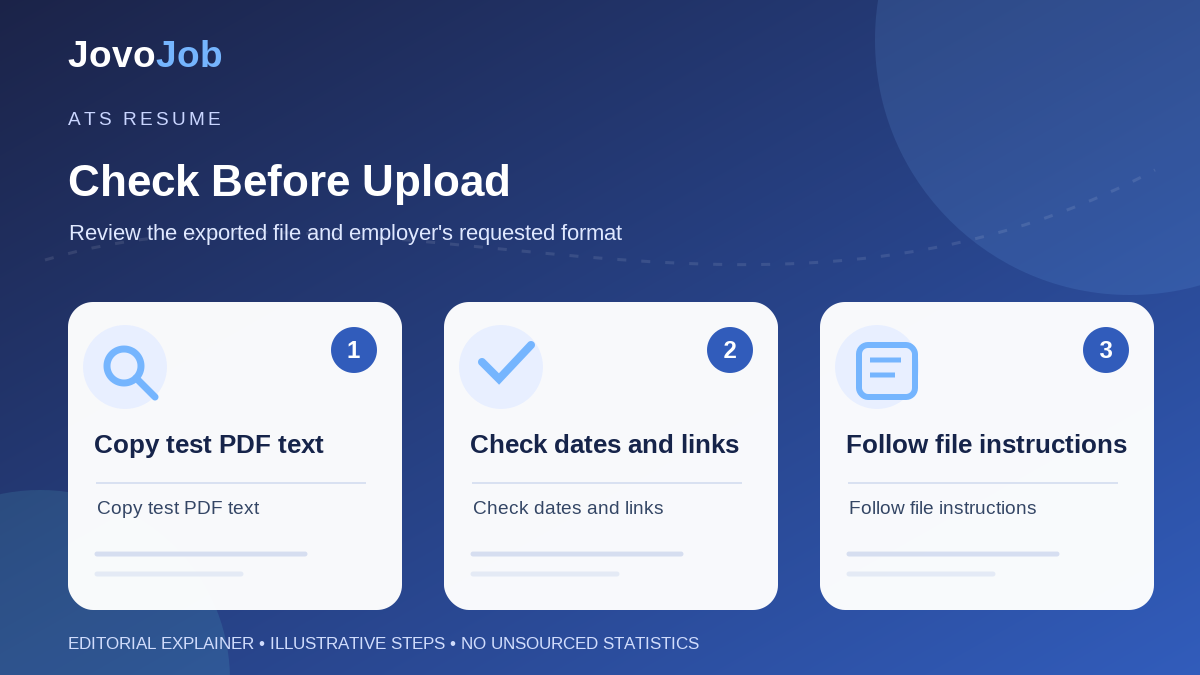
Open the PDF and try selecting its text. Paste the content into a simple text editor and check whether your name, job titles, bullets and dates appear in a sensible order. Proofread links and spellings. Then check any fields auto-filled by the employer's application portal; parsing errors are worth correcting before you submit. A resume checker can provide additional feedback, but no tool knows every employer's private screening process.
ATS friendly resume example: a simple structure
This fictional example shows a straightforward customer-service resume. Replace its placeholder name, details and experience with your own verified information. The structure is a guide, not a required template:
ALEX MORGAN
Rabat, Morocco | alex@example.com | +212 [number]
Professional Summary
Customer-support professional experienced in answering client inquiries, documenting issues and coordinating follow-up requests.
Work Experience
Customer Support Associate — Example Retailer | 2024–2026
• Answered customer questions by phone and email and documented outcomes in a shared system.
• Organized a daily follow-up list and referred unresolved cases to the correct team.
Skills
Customer service; email support; spreadsheet tracking; issue documentation
Education
Relevant qualification — School or institution | Year
The example includes no invented growth percentage, and the skills are visible in the work bullets. You could add measured results if your real records support them. In a different occupation, substitute relevant tasks; a warehouse role may need stock reconciliation, while an administrative role may prioritize document management.
Before and after: stronger ATS resume bullet examples
Retail and sales
Too vague: "Responsible for sales and helping customers."
Clearer: "Explained product options to customers, checked stock availability and recorded completed orders accurately." If a sales result is genuine and measurable, it may help; if it is unknown, leave it out.
Warehouse and inventory
Too vague: "Hard worker with warehouse experience."
Clearer: "Matched incoming products to delivery notes, updated Excel inventory records and reported discrepancies." This directly demonstrates tasks and software rather than generic self-praise.
Office administration
Too vague: "Very organized and good with computers."
Clearer: "Scheduled meetings, maintained digital records and prepared weekly team status updates." Mention a specialized platform only if you actually used it.
Student or career changer
Too vague: "No professional experience."
Clearer: "Coordinated a student project, tracked deadlines in a spreadsheet and presented findings to a group." Real projects, education and volunteering can show transferable skills. For more examples, read our guide to writing a CV with no experience.
How to identify relevant ATS resume keywords
Build a small list of the most important advertised skills. Mark each as already proven, true but missing from my resume or not part of my experience. Add evidence for the second group and leave the third group out. This is more useful than copying a complete job advertisement into your CV or repeating words without context.
For example, if a customer-support role asks for complaint resolution, call handling, CRM records and bilingual communication, you might have real examples of the first two but no CRM training. Describe your genuine call handling and complaint-resolution work, and avoid claiming CRM expertise. The Department of Labor's 2026 guide recommends matching relevant job-posting terms within achievement statements.
Is PDF or Word better for an ATS friendly resume?
Both formats may work when a system supports them and the file contains actual text. A PDF generally preserves formatting; a .docx may better suit some workflows that explicitly expect a Word file. An image-only scanned PDF may require OCR and can be harder to parse. Always follow the employer's requested format and examine the imported application fields rather than assuming the file extension guarantees a perfect result.
Can you use AI and a free ATS checker?
AI tools can help you notice missing relevant terminology, simplify unclear sentences and compare a resume with a job description. They cannot verify that you worked somewhere, earned a qualification or achieved a performance figure. Check every claim and protect confidential information when using online services. An AI-generated score should never be presented as the score an employer will assign.
You can review your document with the JovoJob Resume Analyzer, explore relevant wording using the ATS Keyword Generator, or prepare a version in the Resume Builder. These tools support your own review; they cannot guarantee a job or replicate a private ATS. The JovoJob Career Agent can help you organize wider application work.
Seven ATS resume mistakes to avoid
- Image-only documents: text may be difficult to extract accurately.
- Complex columns or graphics: reading order can become ambiguous.
- Contact details hidden in a header or icon: essential details may be skipped.
- Keyword stuffing: repeated buzzwords do not prove competence.
- Made-up credentials or numbers: untrue claims risk your credibility.
- Ignoring upload instructions: the wrong file format may be refused.
- Trusting a universal ATS score: employers use different criteria and technology.
Final ATS friendly resume checklist
- Does my resume use a simple reading order and a single column?
- Are contact details clearly typed in the main body?
- Have I used recognizable section headings and consistent dates?
- Do the most relevant bullets address the real job requirements?
- Can I support every claimed skill, qualification and metric?
- Did I check spelling, links and the final exported file?
- Am I submitting the document type the employer requested?
- Did I check any extracted fields in the online application form?
Keep a detailed master resume for yourself, then adapt a targeted version for each suitable opportunity. This helps you remain accurate while keeping the application focused. If you need an accompanying letter, see our cover-letter guide for realistic examples.
Frequently asked questions about ATS friendly resumes
Will an ATS friendly resume guarantee an interview?
No. Clear formatting and accurate keywords can make information easier to find, but hiring also depends on other candidates, employer rules, actual qualifications and human decisions.
Should my ATS resume be one page or two?
Early-career candidates may fit relevant experience on one page, while experienced professionals may need two. Keep the content relevant, readable and consistent with local job-market conventions and explicit employer instructions.
Are columns, photographs and icons automatically rejected?
No single rule applies to every ATS. Still, simpler formatting is the safer general recommendation when you do not know which software will process the file. Creative portfolios can often be provided separately.
Should I repeat every keyword from the job advertisement?
No. Use only terms you genuinely understand and can support. Include them naturally within relevant duties and achievements. Do not paste the entire posting into the document.
Is a PDF ATS friendly in 2026?
It often can be if it contains selectable text and the employer accepts PDF. Image-only scans, complicated layouts and certain exports can cause problems. Follow the specified format rather than guessing.
Can a free resume checker know my employer's ATS score?
Generally no. A third-party tool can provide useful estimates and checks, but it does not normally have access to an individual employer's internal configuration or final hiring decisions.
Sources and editorial notes
Prepared for JovoJob on November 9, 2026 using U.S. Department of Labor — Resume Essentials (February 2026), University of Pennsylvania — Write a Resume/CV, University of Virginia — Navigating Applicant Tracking Systems and University of Victoria — Build Your Résumé. The examples are fictional; the recommendations are general, not an assurance of hiring or endorsement by those institutions.